
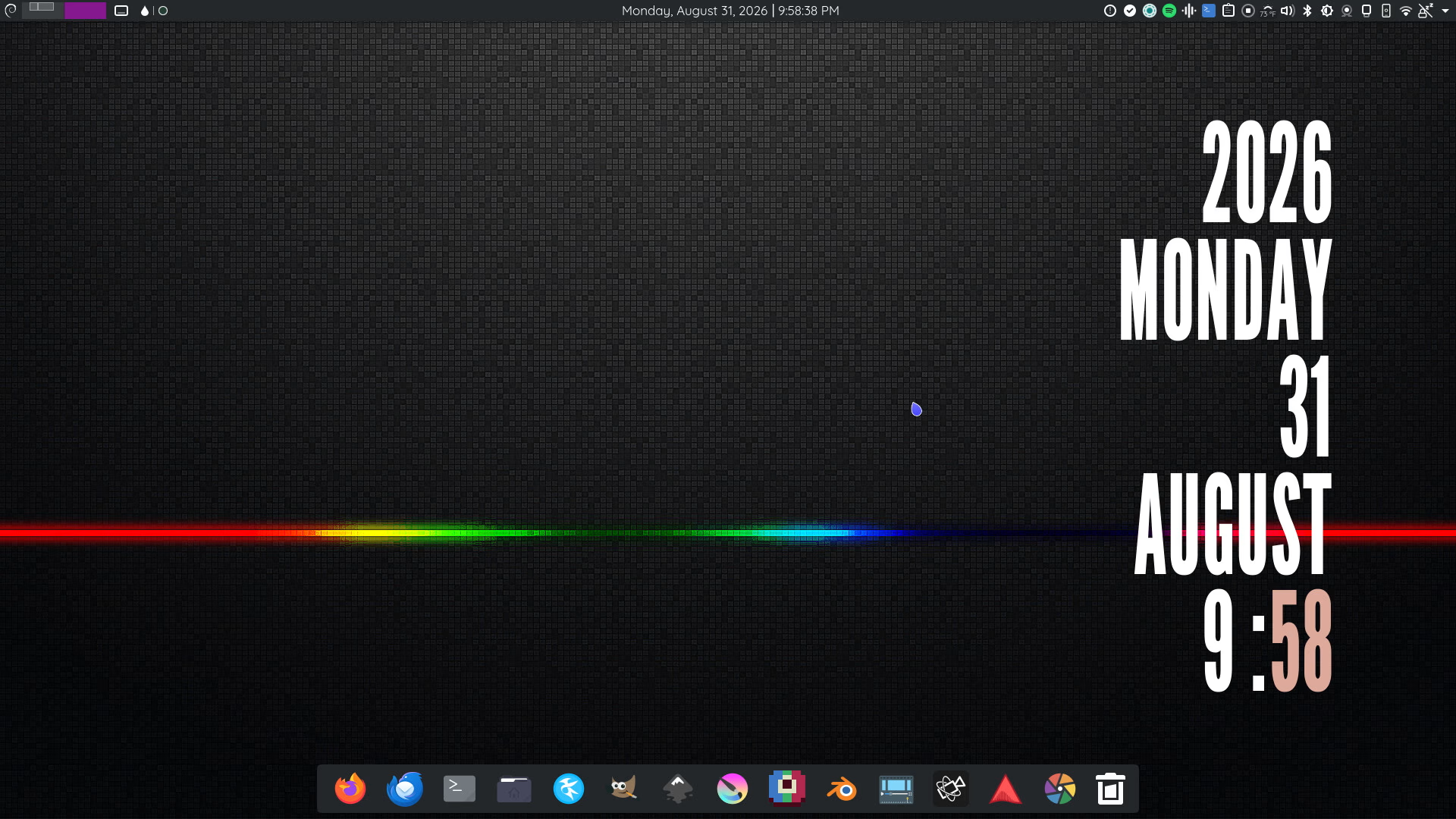
For the past twenty years, I’ve been a loyal Debian GNOME user, for the most part. I’ve been fortunate to have a consistently great experience with the platform.
One of the things I’ve loved most about GNOME is its flexibility. With extensions, I’ve been able to customize almost every aspect of my desktop environment to suit my needs. From system tools to individual interface elements, I’ve been able to make the platform feel like my own personal space.
I stuck with GNOME partly because I felt that everything was generally handled in a logical and reasonable way. Features such as screen sharing, multiple desktops, and network settings were intuitive and easy to use. In the past, I had used a window manager rather than a full desktop environment, and I had to make a few minor tweaks to get everything working the way I wanted. As a result, I was hesitant to move away from that established infrastructure.
The cracks started showing in small ways. Over the past few years, I’ve felt increasingly constrained by GTK4. Some themes worked with certain programs, while others resulted in an Adwaita-White appearance. My customization options began to dwindle, and it felt like my desktop’s potential was being restricted.
I know the visual appearance of a desktop might not seem that important at first, but this is the environment I live in for more than eight hours a day. I want to have a space that feels truly mine.
The Call of KDE
Not long before the Rampocalypse™, I purchased a first-generation Steam Deck from a friend. It had an upgraded 1TB SSD and came with KDE installed as its desktop environment. At first, I felt a little lost. Eventually, though, I found my way around. I still didn’t feel quite as at home as I did with GNOME, but the experience got me interested in learning more about KDE.
That eventually led me to look at other people’s KDE configurations, and I was kind of blown away.
The sheer number of variations, layouts, and deeply customizable themes was impressive. Some nerds had even managed to recreate the GNOME vibe in their KDE setups.
The only major drawback for me was KDE’s approach to window decorations. I’ve always felt that having a separate bar at the top of every window just for the window controls was a waste of space. That’s something that still nags at me a little, but after spending more time with KDE, and taking advantage of all its other customization options, it gradually faded into the background.
Unlearning the GNOME way
GNOME has a few quirks that longtime users simply get used to. It’s easy to forget that there are other ways of doing things.
With a few exceptions, such as GNOME Tweaks, most customization in GNOME comes through extensions. This system can be incredibly powerful. Many of the tools needed to customize the desktop and shape your workflow are available through extensions and plugins, which opens up plenty of opportunities for personalization.
At the same time, moving to KDE meant learning a completely different way of thinking about the desktop. Instead of relying primarily on extensions, KDE offers many customization options directly through its settings and built-in tools. That abundance of options was initially a little overwhelming, but it also made the desktop feel much more open.
Making Things Feel Like Home
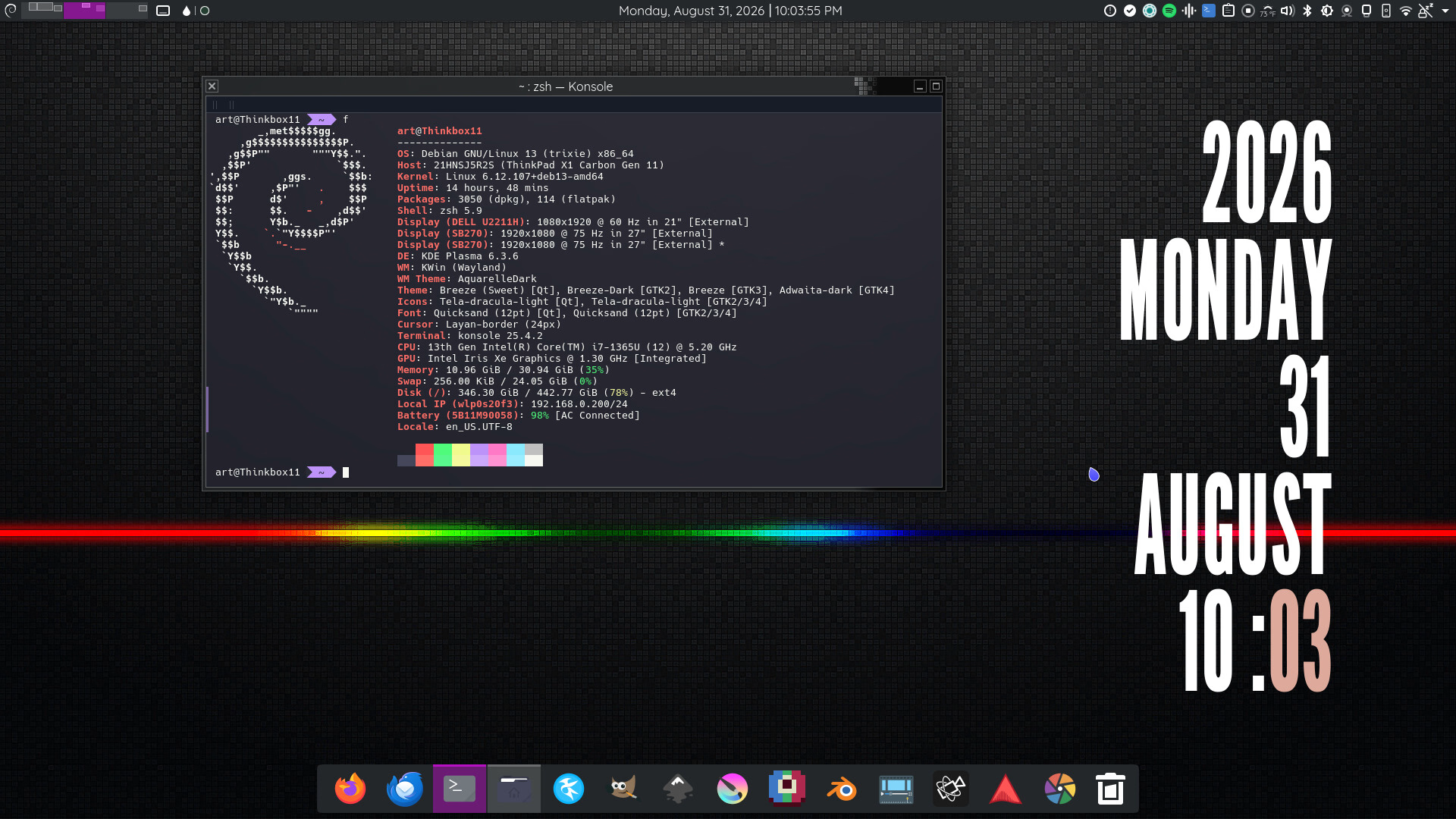
I like bold colors. You can probably tell that if you’ve read my blog before. I like having a desktop that feels a little retro but also somewhat futuristic. For those who have seen my desktop before, this setup might look almost identical to what I had under GNOME.
Debian is, of course, still my base operating system. I’ve spent many years with Debian, and I genuinely appreciate the way the system is built. I’ve used it long enough that I understand it like the back of my hand.
I’ll continue using Debian as my main desktop OS and, as of this year, as my server OS as well. Hopefully, I’ll even be able to use it as my mobile OS in the future.
If you’re considering making the leap from GNOME to KDE, I’d say it isn’t just a matter of catching up on equivalent features. KDE is an entirely different ecosystem, with its own tools, design choices, and philosophies.
It offers a level of polish, customization, and depth that can appeal to power users and developers alike. The community-driven nature of the project also helps ensure that user freedom and empowerment remain central to the experience.
Side note: I wrote this post in Kate, KDE’s text editor. See? I’m learning.