
Why The Hell Would You do This?
I’m more than happy building vector designs in Inkscape. It’s the most proficient vector designer app that is free, open source, and runs natively under Linux. However, simply having a quality SVG is only part of the process when it comes to using a plotter like the Cricut.
On my own, I would not recommend the Cricut brand, but this is a machine that was bought years ago, and I want to get the most usage out of it.
How to Install Cricut Design Space
As far as I can tell, almost everything works in the Cricut Design Space application under Linux. The only bug I’ve noticed is the application becomes invisible when going full screen. This could easily be a Wayland bug too. I have no idea. Ideally, Cricut could Easily make a Linux Application with WINE. I could see this as a Flatpak install. I understand why they don’t, as that comes with the expectation of support, and supporting another operating system costs money.
This is a multistep process that you only really have to do once. Because of the complexity, I decided to lay out the instructions, along with the ‘why’ of the situation. The more you understand how it works, the more armed you are if anything goes wrong.
Getting the Software
I HIGHTLY recommend grabbing a fresh build of WINE. I’m a Debian user, so depending on the build of Linux you’re using it might vary, but I start on the Wine HQ Git. I know a lot of people might want to run a platform like Wine Bottles, but in my experience a more granular project like this is just easier under regular WINE.
OS Detection on the Website
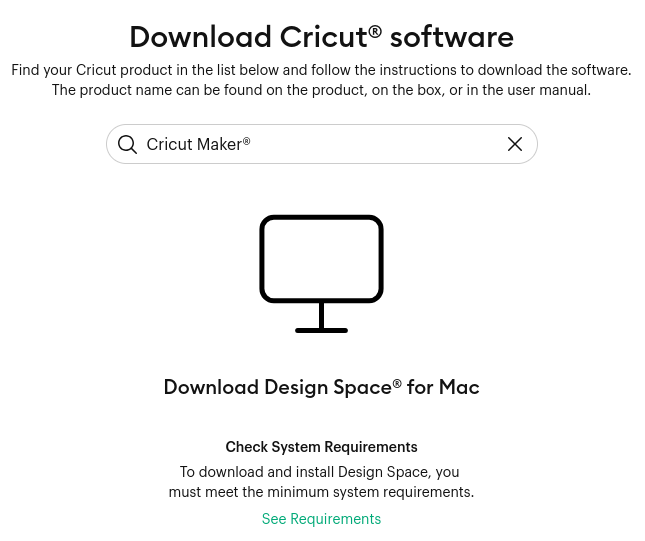
When you visit the Design Space Download Page, it seems that the developer chose to use OS detection on the website. If it sees your user agent listed as Linux, for some weird reason it defaults to Mac. Logically, it would make more sense to default to the Windows build, but I think there was some corner cutting on this.
I recommend the open source UserAgent Switcher for this, as it has a build for Firefox and Chromium based browsers. (And of course, is free and open source.) After setting to “Windows 10” mode and refreshing the page:
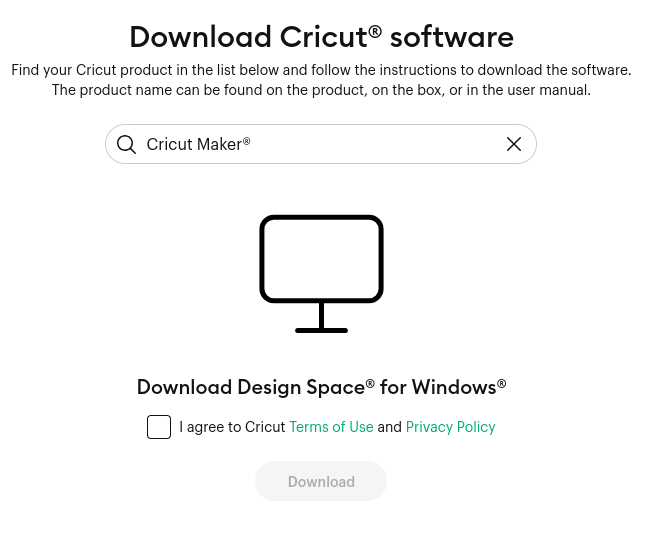
Installing the Software
As of this tutorial, the latest build of Design Space is CricutDesignSpace-Install-v9.47.92.exe.
Make sure you’ve setup your install of WINE first. run winecfg and make sure everything is working.
wine CricutDesignSpace-Install-v9.47.92.exe
This will launch the installer. Just install like you normally would under Windows.
Logging in, the Stupid Parts…
First we need to find the binary with the where command. Here’s how it looked on my machine.
where cricut
cricut: aliased to wine '/home/art/.wine/drive_c/users/art/AppData/Local/Programs/Cricut Design Space/Cricut Design Space.exe'
Then we need to open two terminals (or two sessions, I use tmux for that).
Terminal #1
wine Cricut\ Design\ Space.exe
This will show the login panel and will want to launch your default browser. On my machine, that’s my native Firefox. Login there, and you’ll see a url asking for the Cricut software. Because your native browser and the wine wrapped cricut software can’t see each other, you gotta extract the part of the URL that features code=. In the second terminal:
Terminal #2
wine Cricut\ Design\ Space.exe "cricut://?code=XXXXXXXXXXXXXXXXXXX
You should be logged in!
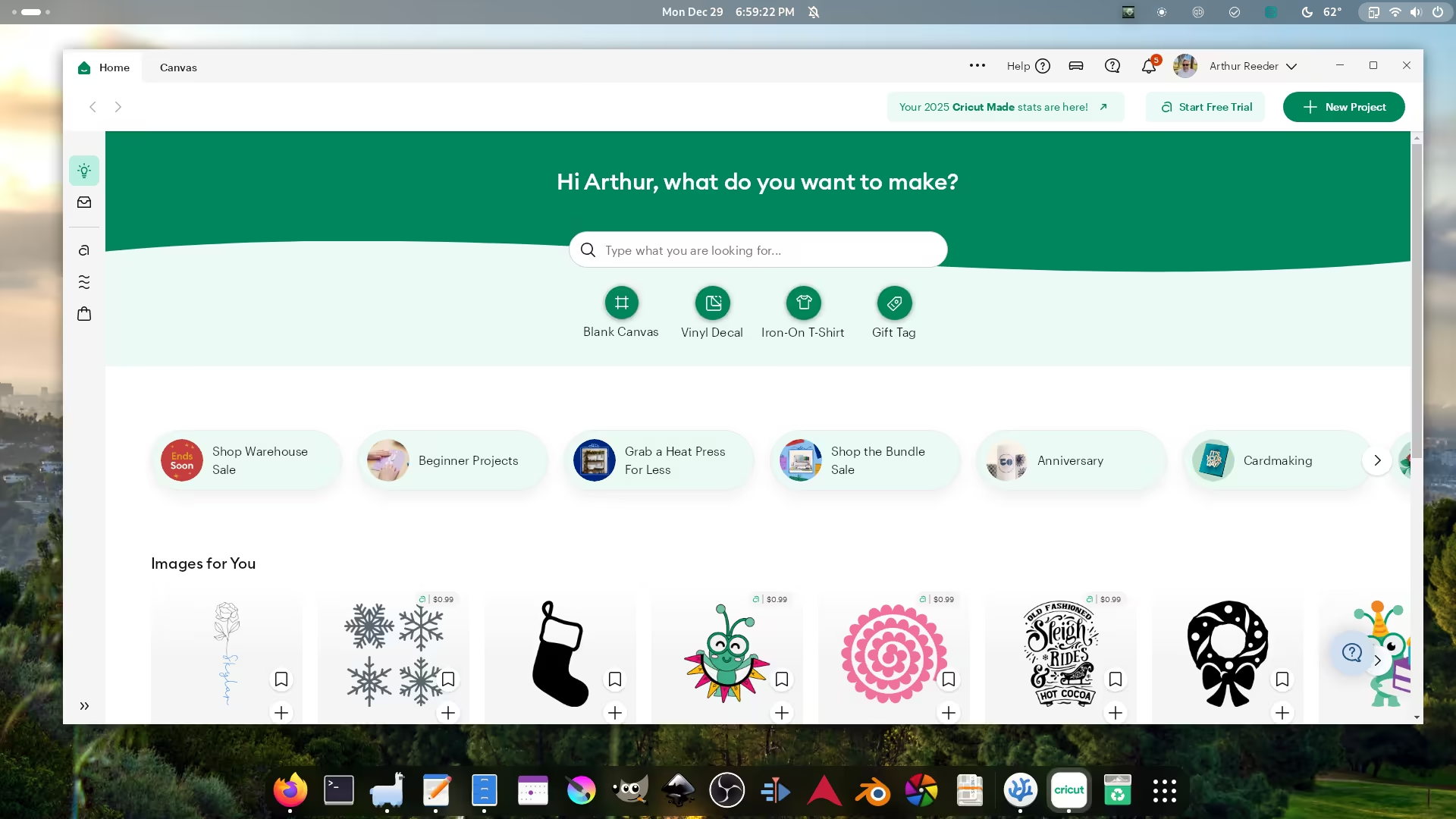
Now you can start uploading your designs and colaborating with other through their locked down, proprietary platform. You can even waste money on stock images.